
Can't upgrade to Windows 11? Read on....
Why Linux Mint Is the Perfect Upgrade When Your PC Can’t Run Windows 11
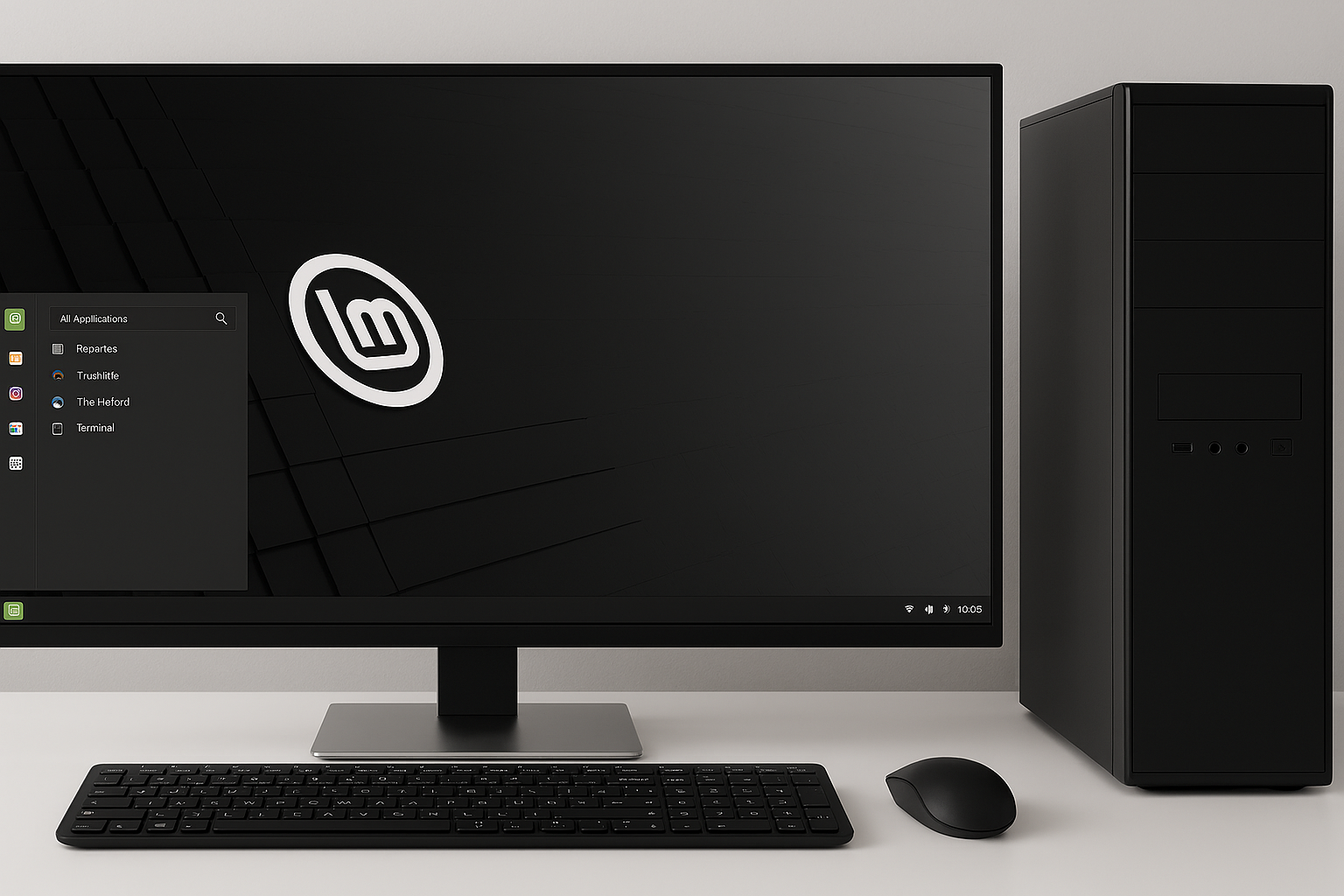
Not every computer is ready for Windows 11’s strict hardware requirements. TPM 2.0, Secure Boot, and newer-generation CPUs have left many perfectly functional machines behind. But that doesn’t mean your PC’s story is over. In fact, this is where Linux Mint shines.
Linux Mint offers a fresh, modern, and reliable operating system that can breathe new life into older hardware.
If your computer can’t run Windows 11, Mint isn’t just a fallback — it’s a genuine upgrade.
What Makes Linux Mint Such a Strong Alternative?
1. It Runs Beautifully on Older Hardware
Linux Mint is designed to be lightweight.
Even machines that struggle with Windows 10 can feel fast and responsive with Mint. You don’t need a powerful CPU or loads of RAM to get a smooth experience.
Why this matters:
You extend the life of your computer instead of replacing it.
2. A Familiar, Easy-to-Use Interface
Mint’s Cinnamon desktop feels instantly comfortable if you’re coming from Windows.
You get:
- A Start-menu style launcher
- Taskbar at the bottom
- System tray
- Right‑click menus that make sense
There’s no steep learning curve — just a clean, intuitive environment.
3. It’s Completely Free
No licenses.
No subscriptions.
No activation keys.
Linux Mint is open-source and free forever. You can install it on as many machines as you want without worrying about cost.
4. Faster Performance and Better Stability
Mint is known for being:
- Stable
- Reliable
- Low on system resource usage
Your PC boots faster, apps open quicker, and the system stays responsive even under load.
5. Built‑In Security Without the Bloat
Linux Mint is inherently secure thanks to:
- A permissions-based system
- Fewer viruses targeting Linux
- Regular security updates
You don’t need heavy antivirus software slowing your machine down.
6. Software for Everything You Need
Mint includes a full suite of apps right out of the box:
- Firefox or Chromium for browsing
- LibreOffice for documents and spreadsheets
- Thunderbird for email
- VLC for media
- A software manager with thousands of free apps
If you need more, most Windows alternatives exist — and many are better.
7. No Forced Updates or Hardware Lockouts
Windows 11 is strict about what hardware it supports.
Linux Mint isn’t.
You stay in control:
- Update when you want
- Choose what to install
- Keep your system running your way
No sudden reboots. No compatibility warnings.
8. Great for Privacy
Linux Mint doesn’t track your activity or collect telemetry.
Your data stays on your machine — not on a server somewhere.
9. A Huge, Friendly Community
If you ever need help, Mint has one of the most welcoming communities in the Linux world. Forums, guides, and tutorials are everywhere.
You’re never stuck.
🌟 Final Thoughts
If your computer can’t run Windows 11, Linux Mint isn’t just a workaround — it’s a chance to upgrade to a faster, cleaner, more secure system that respects your hardware and your privacy.
You get a modern OS that feels familiar, performs brilliantly, and costs nothing. For many people, switching to Mint ends up being the best tech decision they’ve made.
Alongside Windows and MacOS, Mobile Computer Services uses Linux Mint, Please call or message us to learn more and book an appointment to see if we can help you breathe new life into your old computer!